Appliance Config
The GSLB configuration menus can be found under the Cluster Configuration menu they are options 17 and 18 out of 22.
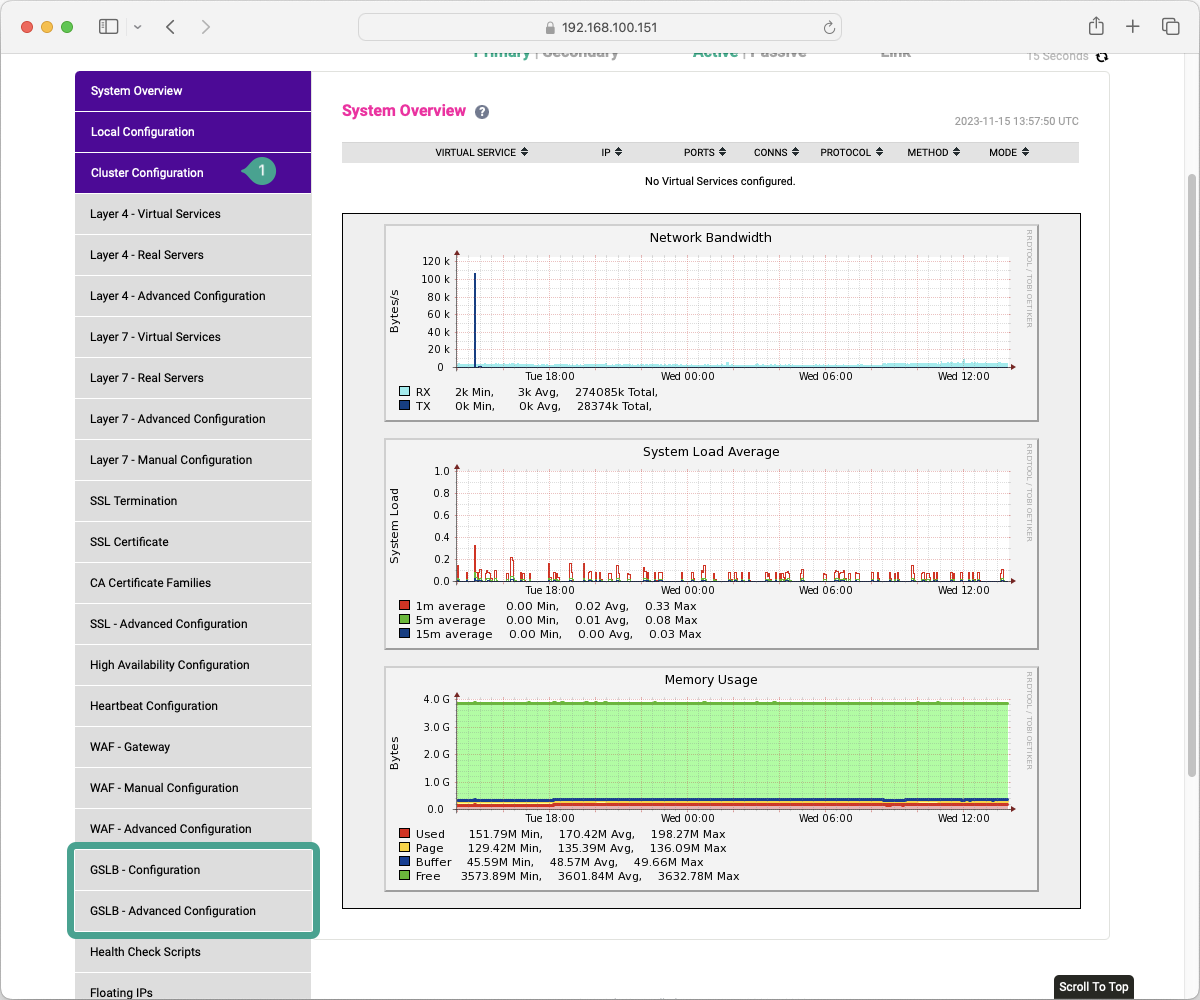
GSLB - Advanced Configuration
We are going to investigate the "GSLB - Advanced Configuration" submenu first. This would be counter-intuitive in most scenarios, to start by looking at the advanced configuration. However, this is a brand-new menu item and it doesn't contain much in the way of configuration options at this time.
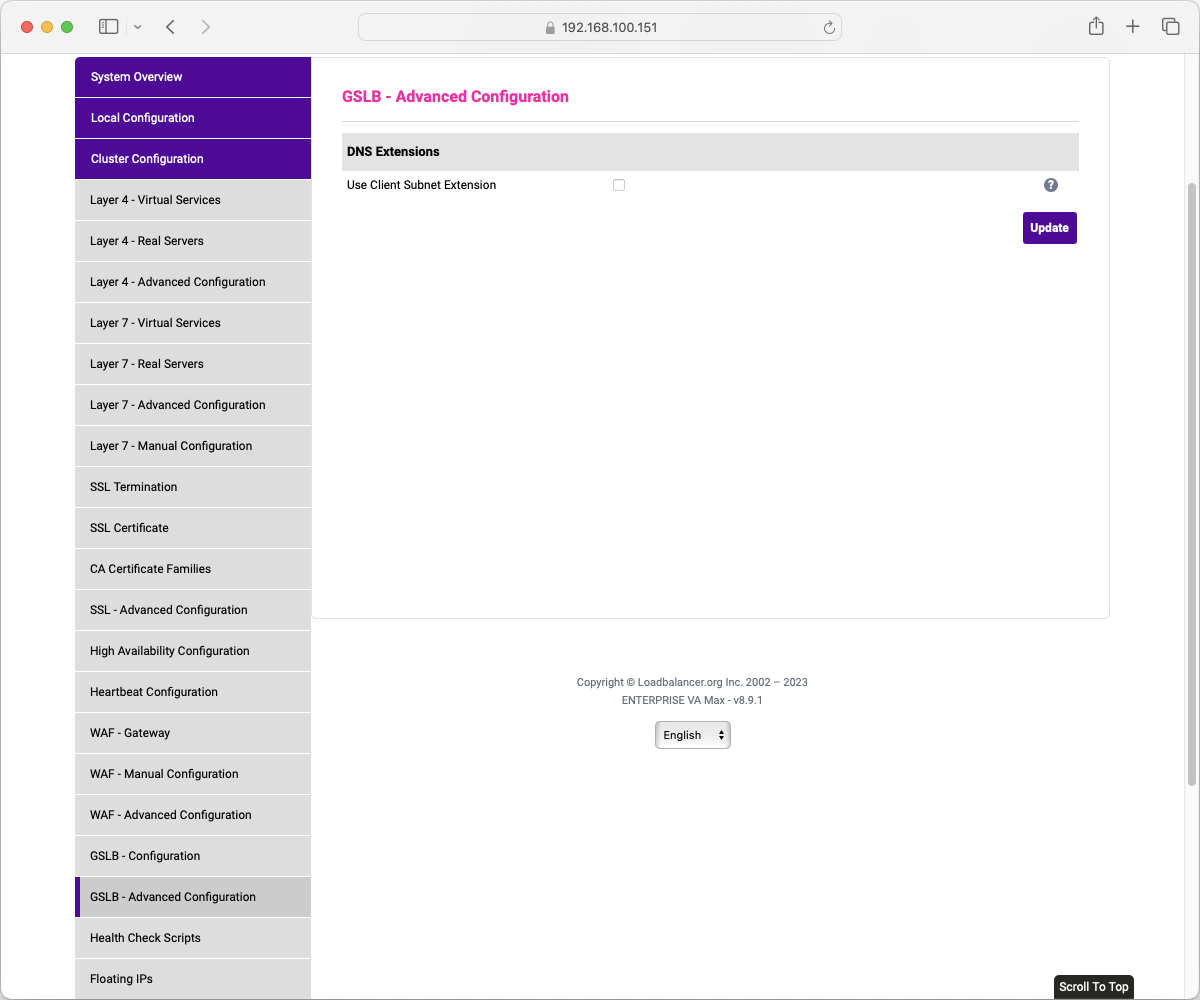
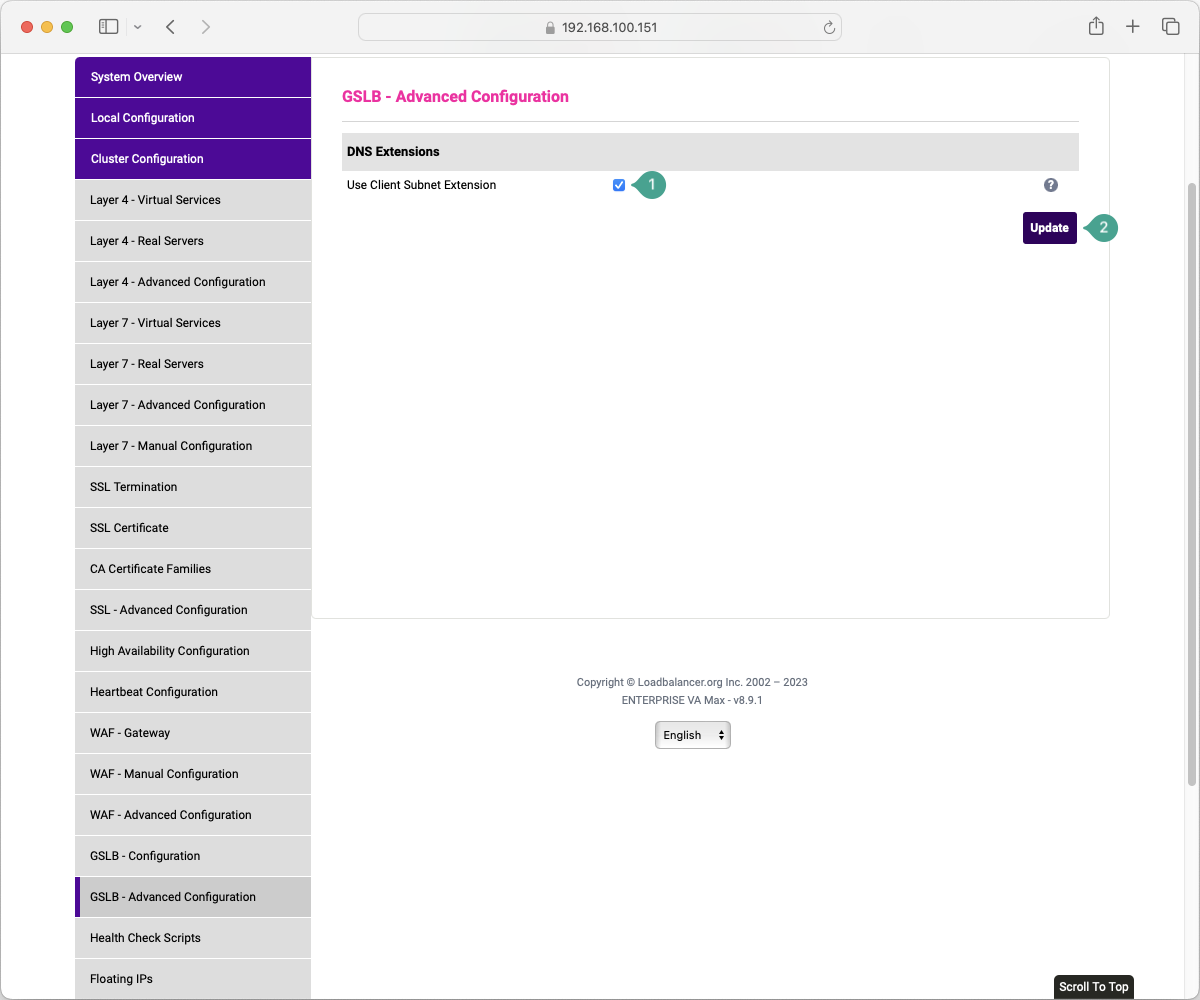
Yep, just the one option for now, so I think we can dig into this before we talk about the rest of it. So, we are going to assume that you have read about EDNS-CS already in the understanding portion of the course. Enabling this option makes a change to the configuration of PowerDNS. This change permits the processing of the Client Subnet information in a DNS request which allows the GSLB to perform topology evaluations. If you are planning to use TWRR or SDNS with a TWRR methodology then you will need to ensure that this flag is set. Making a change to this setting will require a restart of the pdns service. If you do make a change to this setting, once you update it the system will recognise that a restart is required and prompt you to do so.
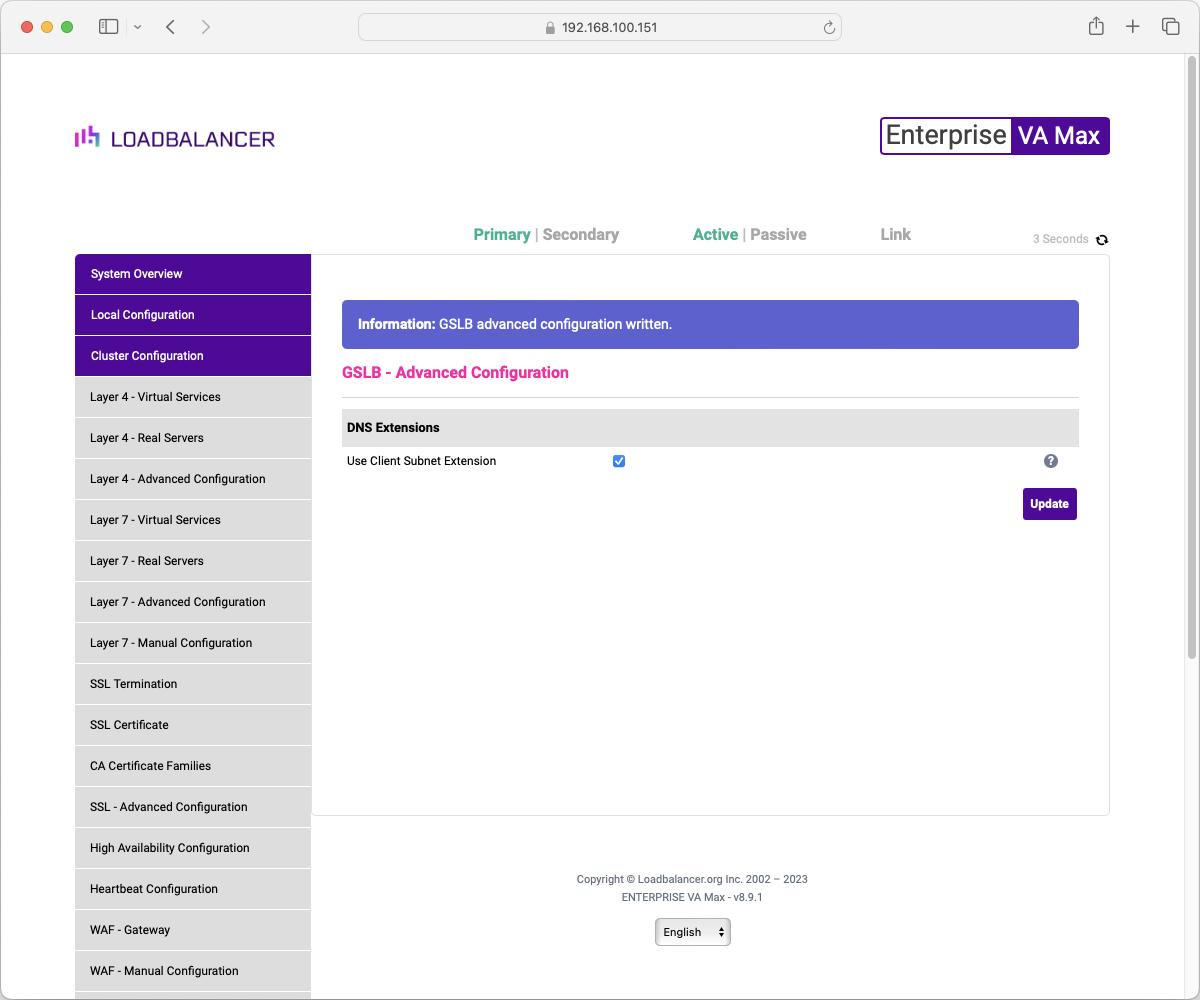
Refreshing the page or navigating away will show you the banner prompting you to restart PDNS.
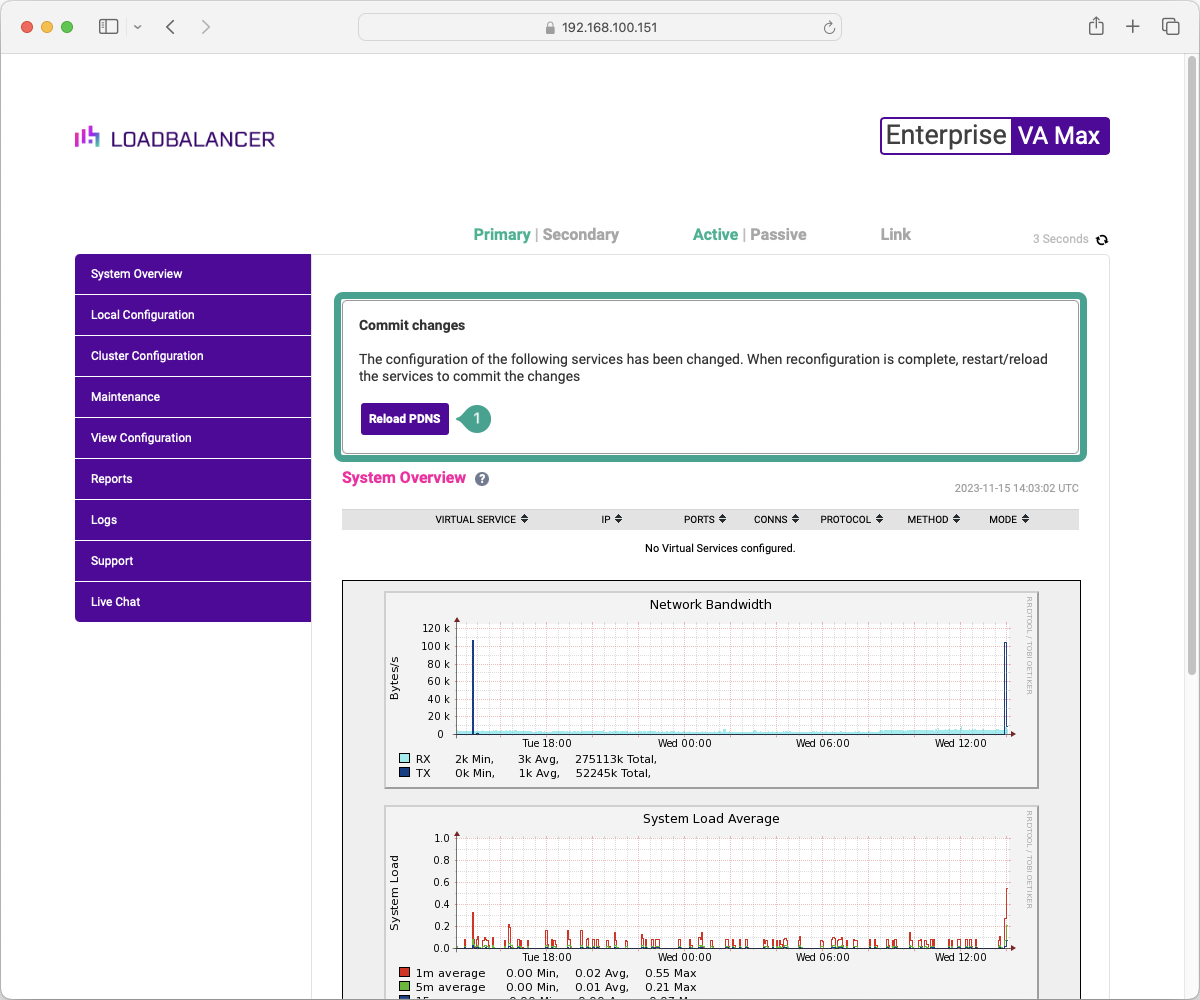
Once this is done, the client subnet extension mechanism will be in place and will be evaluated in topology-based configurations.
GSLB - Configuration
The bulk of the configuration for GSLB is done in the "GSLB - Configuration" submenu. Please continue on to "Global Names" to continue with this information.